---
title: Claude Code
---
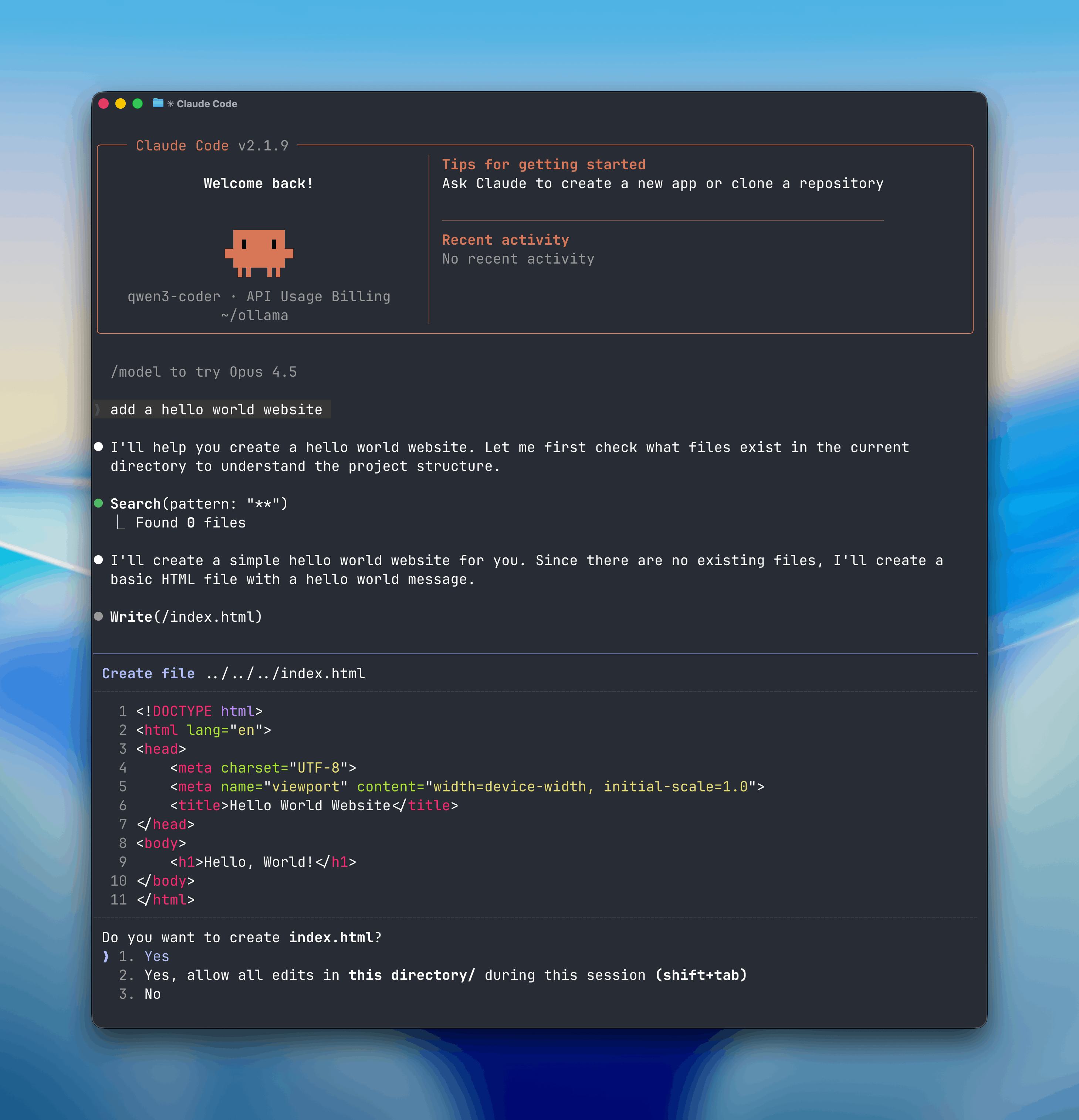
Claude Code is Anthropic's agentic coding tool that can read, modify, and execute code in your working directory.
Open models can be used with Claude Code through Ollama's Anthropic-compatible API, enabling you to use models such as `qwen3-coder`, `gpt-oss:20b`, or other models.
## Install
Install [Claude Code](https://code.claude.com/docs/en/overview):
```shell macOS / Linux
curl -fsSL https://claude.ai/install.sh | bash
```
```powershell Windows
irm https://claude.ai/install.ps1 | iex
```
## Usage with Ollama
Claude Code connects to Ollama using the Anthropic-compatible API.
1. Set the environment variables:
```shell
export ANTHROPIC_AUTH_TOKEN=ollama
export ANTHROPIC_BASE_URL=http://localhost:11434
```
2. Run Claude Code with an Ollama model:
```shell
claude --model gpt-oss:20b
```
Or run with environment variables inline:
```shell
ANTHROPIC_AUTH_TOKEN=ollama ANTHROPIC_BASE_URL=http://localhost:11434 claude --model gpt-oss:20b
```
**Note:** Claude Code requires a large context window. We recommend at least 32K tokens. See the [context length documentation](/context-length) for how to adjust context length in Ollama.
## Connecting to ollama.com
1. Create an [API key](https://ollama.com/settings/keys) on ollama.com
2. Set the environment variables:
```shell
export ANTHROPIC_BASE_URL=https://ollama.com
export ANTHROPIC_API_KEY=
```
3. Run Claude Code with a cloud model:
```shell
claude --model glm-4.7:cloud
```
## Recommended Models
### Cloud models
- `glm-4.7:cloud` - High-performance cloud model
- `minimax-m2.1:cloud` - Fast cloud model
- `qwen3-coder:480b` - Large coding model
### Local models
- `qwen3-coder` - Excellent for coding tasks
- `gpt-oss:20b` - Strong general-purpose model
- `gpt-oss:120b` - Larger general-purpose model for more complex tasks